Steering coding agents, one small diff at a time

Want more control over the code an agent is writing? Writing a prompt and getting a result is easy, but sometimes you want more oversight on where the code is going before you get a large diff. In this quick article I’m going to show a workflow I’ve been using when I want more of a handle on the direction of the code an agent is writing.
Before we continue, you’ll need to install hunk.dev. Hunk is a great diff viewer that works well with coding agents. With Hunk, you get a nice diff viewer that your agent can annotate code and read notes you write in the diff. This article is not an intro to Hunk, but there’s a great, quick video introduction here.
1. Start Hunk
hunk diff --watchI’m normally using a split view to do this so I can keep my agent in one pane, and Hunk in another.
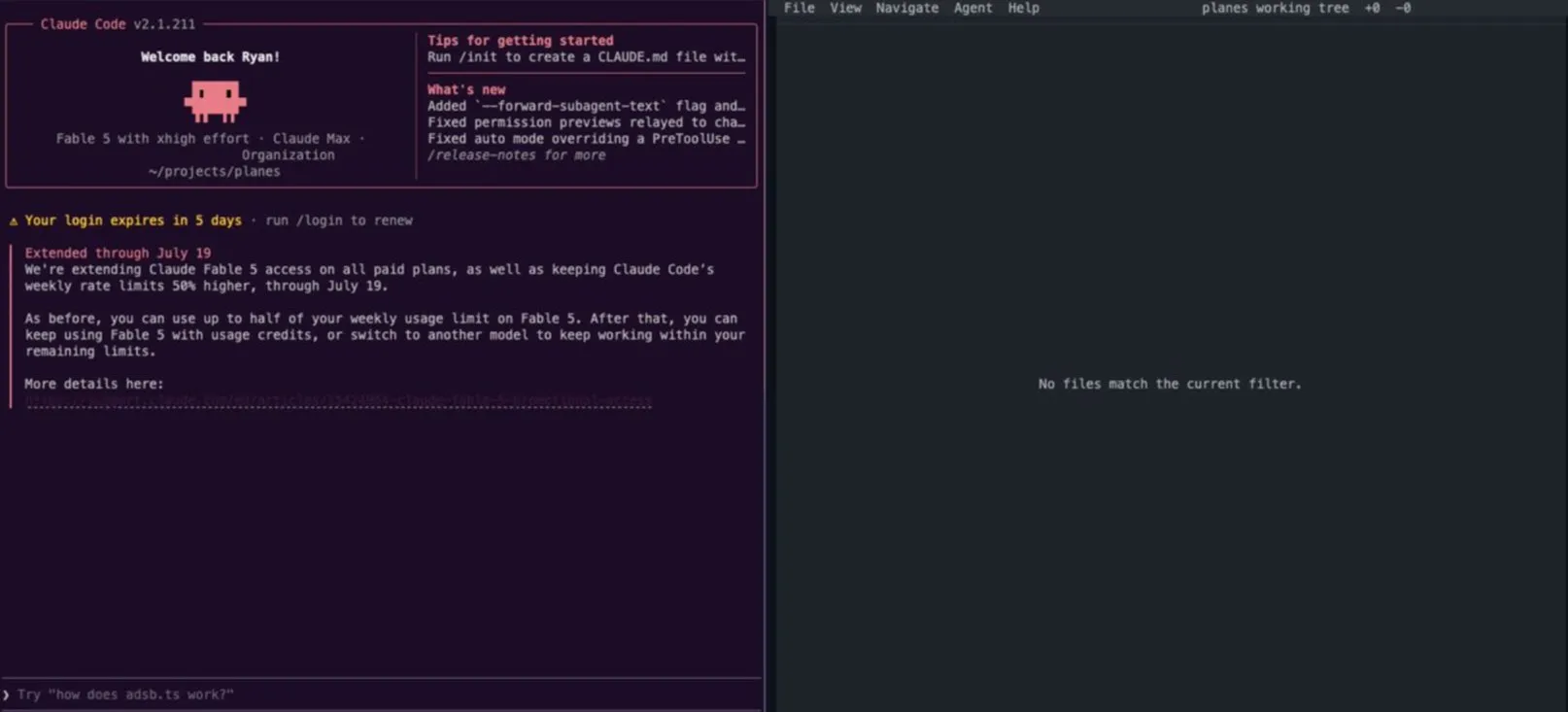
2. Write a prompt
Tell the agent to plan your work, move in small increments, and that you’re using Hunk.
Example Prompt:
{main prompt}. Plan this thoroughly and work in small increments.
I want to treat the work more like pair programming instead of a
single update.

I'll be using Hunk to review the changes.
Run `hunk skill path` to get the skill path.
For each step give me an overview here and
let me review the diff in Hunk.

Add notes for the major updates in the diff view.
3. Review the changes
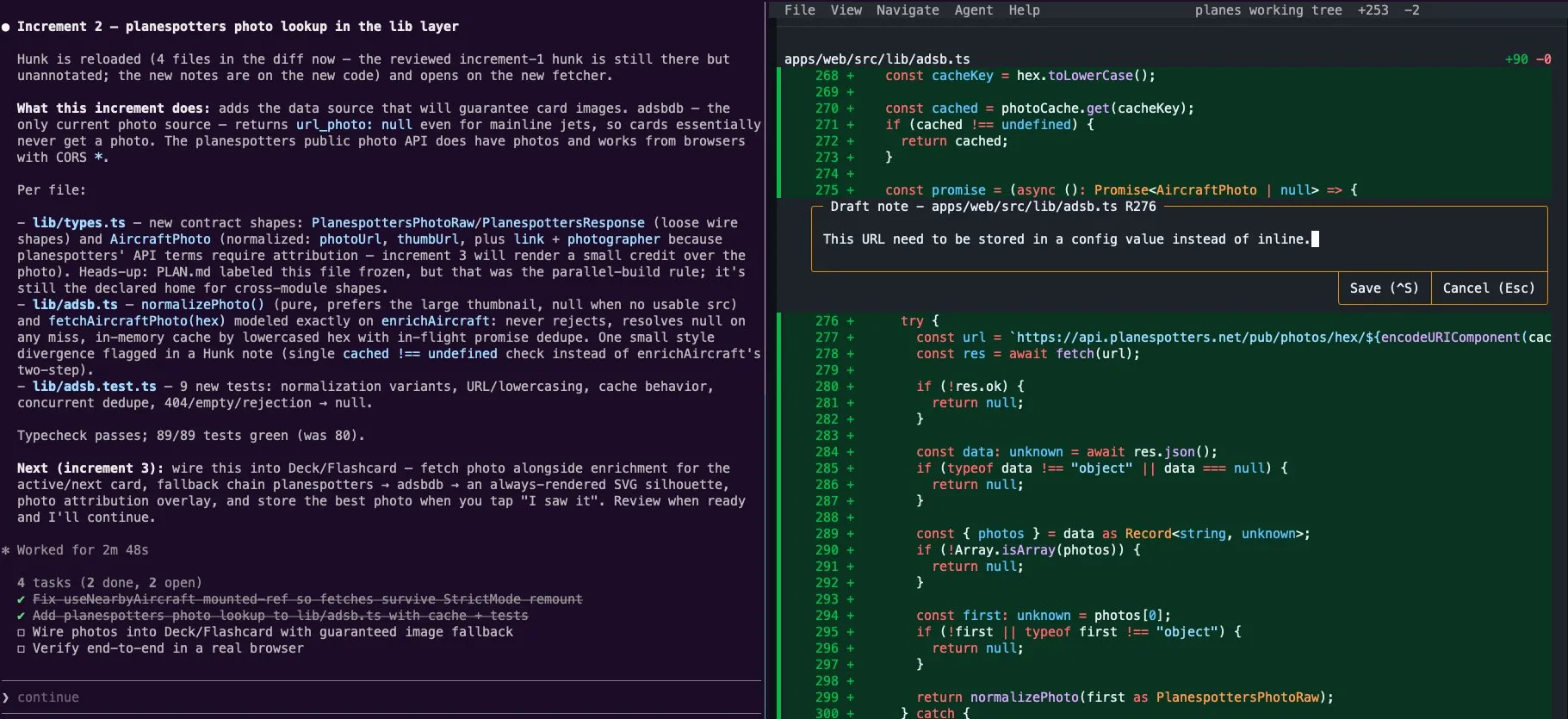
The hunk pane should update with the diff for the current changes. You can review the code, add notes to leave feedback/questions on the code in the diff view, and tell the agent to address these comments and questions. This is the same feedback loop as a PR review, but local, before any code is committed.
4. Iterate
Work through the diff until you’re happy with the output code, commit to git (optional but recommended), and tell the agent to continue to the next step.
5. Make a skill
If you like this workflow and want to reuse it on future work, you can tell your agent to make a skill.
This is not a workflow I use all the time, but it’s been useful when I want to stay in control of the code an agent is writing. I’d love to know what patterns you’re using to achieve similar results.